
NTA CUET PG Admit Card 2026 Released, CBT Exam from 6 to 27 March
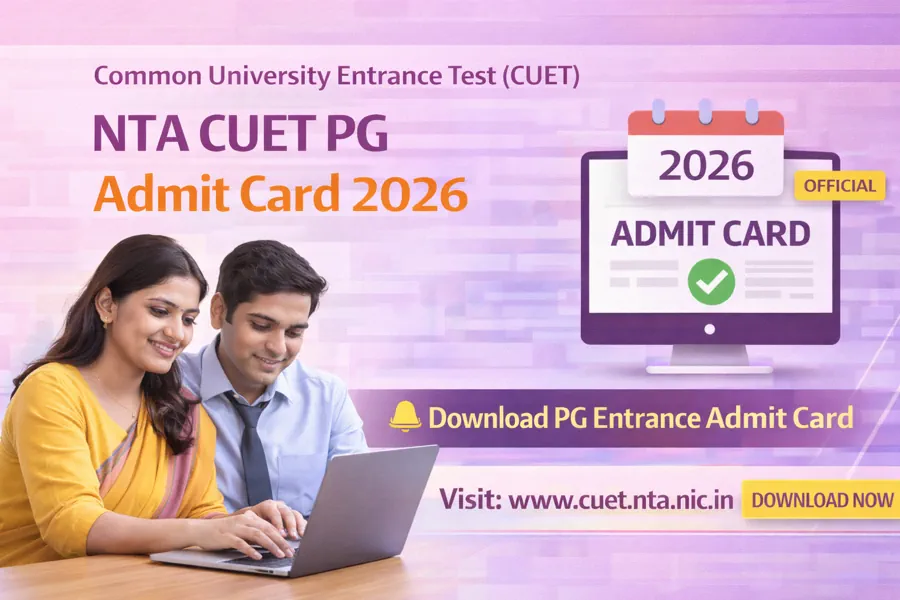
National Testing Agency has released the admit card for the Common University Entrance Test for Postgraduate courses (CUET PG) 2026 on its official website. Candidates who registered for postgraduate admissions in central universities can now download their hall ticket for the upcoming entrance examination. Want to know the exam dates, eligibility details, and steps to download the admit card? Check the complete details below for NTA CUET PG Admit Card 2026.
The CUET PG examination is conducted by the National Testing Agency (NTA) for admission into postgraduate programs offered by central universities and participating institutions across India. The online application process for CUET PG 2026 started on 14 December 2025 and concluded on 23 January 2026. Candidates who successfully registered can now download their admit card as the Computer Based Test (CBT) examination will be conducted from 06 March to 27 March 2026. The admit card for the examination was released on 03 March 2026.
NTA CUET PG Admit Card 2026 Notification
| Name of Organization | National Testing Agency (NTA) – Common University Entrance Test (CUET) |
| Post Names | Postgraduate entrance examination for admission to courses such as MA, MSc, MTech, MBA, MCom, LLM, MPharma, MFA, MArch and other PG programmes |
| Education | Candidates must have completed or be appearing in the final year of a Bachelor’s degree in the relevant subject from a recognized university |
| Total Vacancies | Admission based exam (Seats vary by university and course) |
| Apply Mode | Online |
| Job Location | Universities across India |
| Exam Date | 06 – 27 March 2026 |
| Admit Card Announce Date | 03 March 2026 |
NTA CUET PG 2026 Course Details
| Post Name | Vacancy | Education |
|---|---|---|
| Postgraduate Programs (MA, MSc, MBA, MTech, MCom, LLM, MPharma, MFA, MArch, MPlan, PG Diploma and others) | Seats vary by university | Bachelor’s degree in relevant subject or appearing in final year of graduation |
Candidates applying for CUET PG 2026 must possess a bachelor’s degree in the relevant discipline from a recognized university. Students who are currently appearing in the final year of their undergraduate program are also eligible to apply. Admission to postgraduate courses in participating universities will be based on the performance of candidates in the Computer Based Test conducted by NTA.
NTA CUET PG 2026 Important Dates
| Event | Date |
|---|---|
| Application Start Date | 14 December 2025 |
| Last Date to Apply | 23 January 2026 |
| Fee Payment Last Date | 25 January 2026 |
| Application Correction | 28 – 30 January 2026 |
| Exam City Details | 26 February 2026 |
| Admit Card Release | 03 March 2026 |
| CBT Exam Date | 06 – 27 March 2026 |
How to Download NTA CUET PG Admit Card 2026
- Visit the official website of the National Testing Agency.
- Go to the CUET PG 2026 examination portal.
- Click on the link titled NTA CUET PG Admit Card 2026.
- Enter your registration number or login ID in the required field.
- Provide your date of birth or password along with the captcha code.
- Click on the login button to proceed.
- The admit card will appear on the screen after successful login.
- Download the admit card and take a printout for the examination day.
NTA CUET PG Admit Card 2026 Download – PDF
| Download Admit Card | Click Here |
| Check Admit Card Notice | Click Here |
| Download Exam City Details | Click Here |
| Check Exam City Details Notice | Click Here |
| Apply Online | Click Here |
| Download Notification | Click Here |
| WhatsApp Channel | Click Here |
| Telegram Channel | Click Here |
| Download Result | Sarkari Result |
Get updates fast! Follow us on




 - No.1️⃣ fastest growing Sarkari job site ✔️ in India. Here you can find latest government jobs during 2025 for both freshers and professionals in various categories. In addition to daily sarkari job alert, Job Seekers can get free sarkari result, admit card and latest employment news/rojgar samachar notifications. Also get latest free govt and sarkari naukri job alerts daily through E-mail, push notifications, whatsapp, telegram and other channels.


