
NTA SWAYAM Result 2026 Declared For July Semester Exams
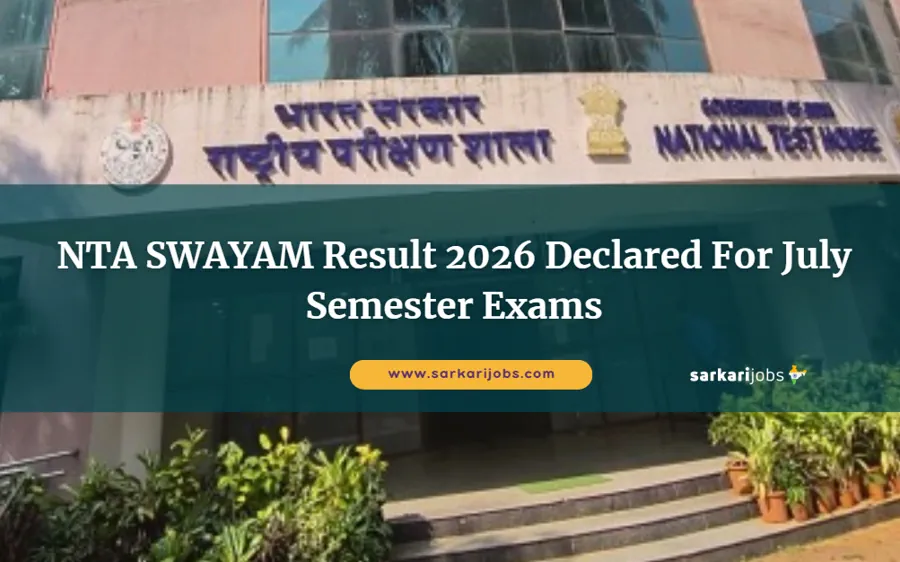
The National Testing Agency has officially released the NTA SWAYAM Result 2026 on its website for candidates who appeared in the Study Webs of Active Learning for Young Aspiring Minds (SWAYAM) July Semester Examination 2025. The examination was conducted on 15 and 16 December 2025 for UG, PG, and Certificate-level courses offered through the SWAYAM platform. Candidates who completed the application process by 30 October 2025 and appeared in the proctored examination can now access and download their results using their Enrollment Number, Registration Number, or Date of Birth.
| Name of Organization | National Testing Agency (NTA) |
| Exam Name | SWAYAM July Semester Examination 2025 |
| Courses Offered | UG, PG and Certificate Courses |
| Total Vacancies | Not Applicable |
| Apply Mode | Online |
| Job / Exam Location | All India |
| Result Announce Date | 12 January 2026 |
NTA SWAYAM Course-Wise Eligibility Details
| Post Name / Course | Vacancy | Education |
|---|---|---|
| UG Courses | Not Applicable | Passed 10+2 from any recognized board in India |
| PG Courses | Not Applicable | Bachelor’s Degree from a recognized university |
| Certificate Courses | Not Applicable | Passed 10+2 from any recognized board in India |
Candidates applying for SWAYAM courses must meet the minimum educational qualification prescribed for the respective level of the course. Admission and certification are based on successful enrollment, completion of course requirements, and performance in the proctored examination conducted by NTA. The mode of selection includes course registration, appearance in the examination, and declaration of results based on obtained marks.
NTA SWAYAM Important Dates 2025–26
| Event | Date |
|---|---|
| Apply Online Start Date | 08 October 2025 |
| Apply Online Last Date | 30 October 2025 |
| Fee Payment Last Date | 31 October 2025 |
| Correction Window | 01 – 03 November 2025 |
| SWAYAM Exam Date | 15 – 16 December 2025 |
| Admit Card Release | 08 December 2025 |
| Result Declaration | 12 January 2026 |
How To Check & Download NTA SWAYAM Result 2026
Visit the official NTA SWAYAM or NTA examination portal homepage. Locate the section titled Latest News or Result on the homepage. Click on the link for SWAYAM July Semester Result 2026. You will be redirected to the login page. Enter your Application Number along with your Date of Birth or Password. Fill in the captcha code if prompted and submit the login details. After logging in, click on the option to download the result. The result page will display your exam date, exam time, exam centre details, and personal information. Download or print the result for future reference.
NTA SWAYAM Result 2026 Download – PDF
| Download Result | Click Here |
| Check Result Notice | Click Here |
| Download Admit Card | Click Here |
| Check Exam City Details | Click Here |
| Check Revised Exam Date Notice | Click Here |
| Apply Online Link | Click Here |
| Official Notification | Click Here |
| Check Information Bulletin | Click Here |
| NTA Official Website | Click Here |
| WhatsApp Channel | Click Here |
| Telegram Channel | Click Here |
| Download Result | Sarkari Result |
Get updates fast! Follow us on




 - No.1️⃣ fastest growing Sarkari job site ✔️ in India. Here you can find latest government jobs during 2025 for both freshers and professionals in various categories. In addition to daily sarkari job alert, Job Seekers can get free sarkari result, admit card and latest employment news/rojgar samachar notifications. Also get latest free govt and sarkari naukri job alerts daily through E-mail, push notifications, whatsapp, telegram and other channels.


